Enterprise-Grade
SSL Certificates.
Protect your customers' sensitive data, establish trust with verified site seals, and boost your search engine rankings with our premium 256-bit encrypted SSL certificates.
- 256-bit Strong Encryption
- Boosts Google SEO Rankings
- Free Installation Support
- 99.9% Browser Compatibility
Starting at

Compare SSL Certificates
Compare SSL certificate prices and choose the right protection for your website with trusted DV, Wildcard, and EV SSL certificates.
Single Domain DV SSL
Great for blogs, personal websites, small business sites.
Billed as one payment. Renews at ₹999/mo.
- Secures one domain
- Standard level domain validation (DV)
- No self-installation – We'll do it for You
- Fast issuance & setup
- Browser padlock & HTTPS
- Affordable basic protection
Multi-domain SAN SSL
Ideal for businesses managing multiple domains.
Billed as one payment. Renews at ₹3499/mo.
- Secure 3 domains
- Standard level domain validation (DV)
- No self-installation – We'll do it for You
- Fast issuance & setup
- Browser padlock & HTTPS
- Cost-effective multi-site protection
Wildcard DV SSL
Recommended for businesses with many subdomains.
Billed as one payment. Renews at ₹6499/mo.
- Secures one domain + unlimited subdomains
- Standard level domain validation (DV)
- No self-installation – We'll do it for You
- Fast issuance & setup
- Padlock & HTTPS for all subdomains
- Great for growing websites
True BusinessID with EV
For enterprises, e-commerce, banking and finance websites.
Billed as one payment. Renews at ₹8999/mo.
- Secures a single domain
- Extended validation (EV) – highest trust level
- No self-installation – We'll do it for You
- Issuance 1-10 Days
- Displays business name in certificate details
- Strong business authentication
How to Choose Your SSL Certificate
When choosing your SSL certificate, see which category your website falls under.
Domain Validation (DV)
Simple websites & online portfolios.
- Easy to Activate
- No Paperwork Needed
- Available in 15 Minutes or Less
Organization Validation (OV)
E-commerce & business websites.
- Company Info Accessible
- Paperwork Needed
- Ensures Greater User Trust
Extended Validation (EV)
Businesses requiring the highest level of trust.
- Company Info Accessible
- Paperwork Needed
- Highest Trustworthy Certificate
Unbreakable Security, Absolute Trust
An SSL certificate is more than a padlock. It's the foundation of your online credibility. We provide powerful encryption that safeguards sensitive data and instills visitor confidence, turning browsers into buyers.
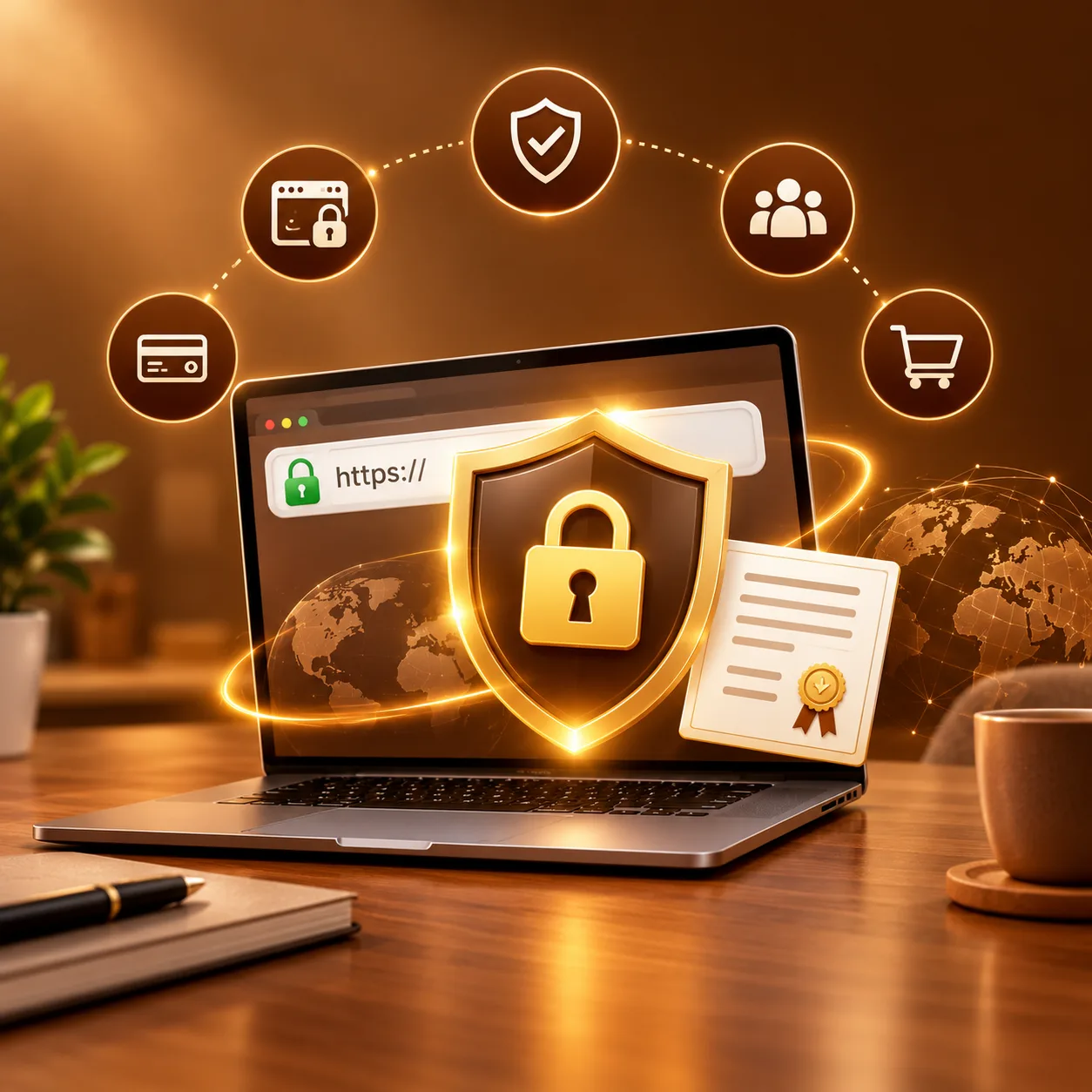
Earn Trust and Build Credibility
When a user sees the padlock icon and "https://" in their browser's address bar, they know your site is secure. This simple visual cue builds immediate trust and assures your visitors that their personal data—like passwords, credit card numbers, and other sensitive information—is protected from prying eyes. It's a foundational step to building credibility and a professional brand online.
- Boost Your SEO Performance
- Customer Trust
- Data Protection
- Avoid Penalties
- Credibility

Talk to Real 24/7 SSL Experts
Our friendly customer support team is here to answer any questions you have about SSL certificates or installation. Feel free to reach out to us via live chat or email!
- 24/7 Live Chat Support
- Knowledge Base
- Ticket Support
- Instant AI Support

Why do I need an SSL certificate?
Not only does an SSL certificate encrypt data in motion to and from your website, but as of July 2018, many web browsers flag a website as "not secure" unless it detects that it has a valid SSL certificate.
Strongest Encryption
Safety first - SSL encrypts data between visitors and servers, ensuring packets are unbreachable for security.
Address bar Visibility
Google Chrome and other browsers mark websites without SSL as Unsecured. Get cheap SSL Certification to avoid a big red flag.
Increase traffic and sales
SSL certificates not only enhance website security but also reassure your audience, leading to increased sales.
How to manually install your SSL certificate
Follow these four simple steps to implement your new security certificate directly onto your web server. If you need help, our support team is available 24/7.
Gather Your SSL Files
To install SSL on a website, two files are required: the website's SSL certificate, usually in .crt format.
Upload the SSL Files
Use FTP to access your server. Then, upload both the certificate and private key files to their designated locations.
Configure Your Server
Server software, such as Apache or Nginx, requires instructions to locate the uploaded certificate and key files.
Restart Your Server
After finalizing the server configuration, move on to implement the changes by restarting your web server.
Web hosting FAQs
An SSL (Secure Sockets Layer) certificate encrypts sensitive data transmitted between a visitor's browser and your website. It displays the secure padlock icon and HTTPS in the browser address bar, protecting customer data and boosting your SEO rankings on Google.
Yes, our technical team provides full installation and configuration support for all SSL certificates purchased with Chennai Web Hosting.
Domain Validation (DV) verifies domain ownership quickly. Wildcard SSL secures your main domain plus unlimited subdomains (*.yourdomain.com). Extended Validation (EV) provides the highest level of validation and trust for enterprise and e-commerce websites.